Create a channel
Give your channel a name, description, and look that feels like you.
Pingtumi AlertsCreate. Share. Send.
Create a channel, share its Ping Link or QR Code, and instantly reach everyone who chooses to follow, no developer, phone numbers, or website required.
Read the Pingtumi Alerts guide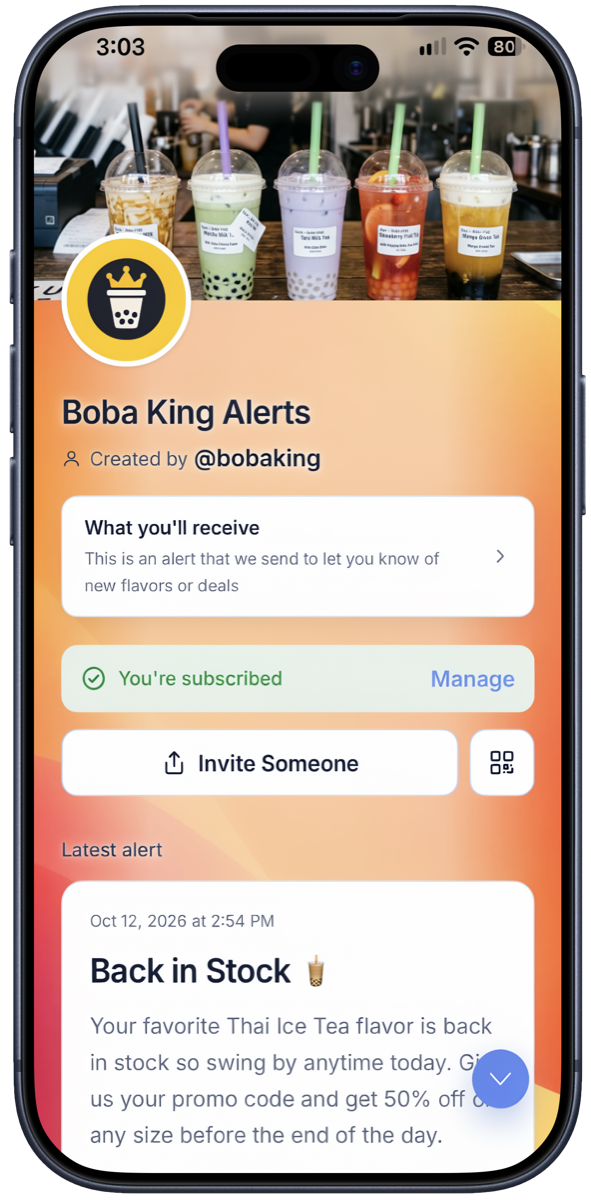
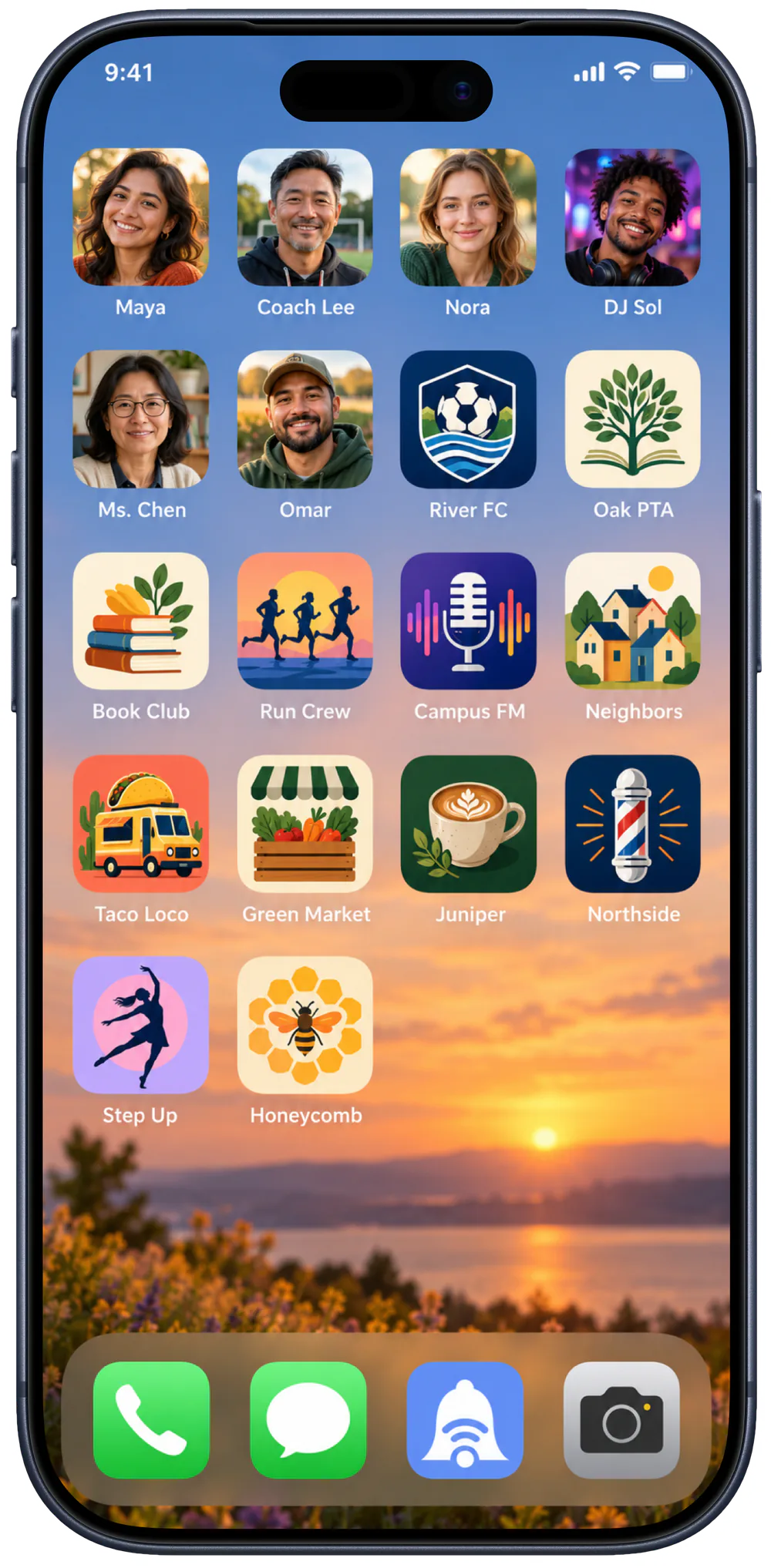
A more personal home screen
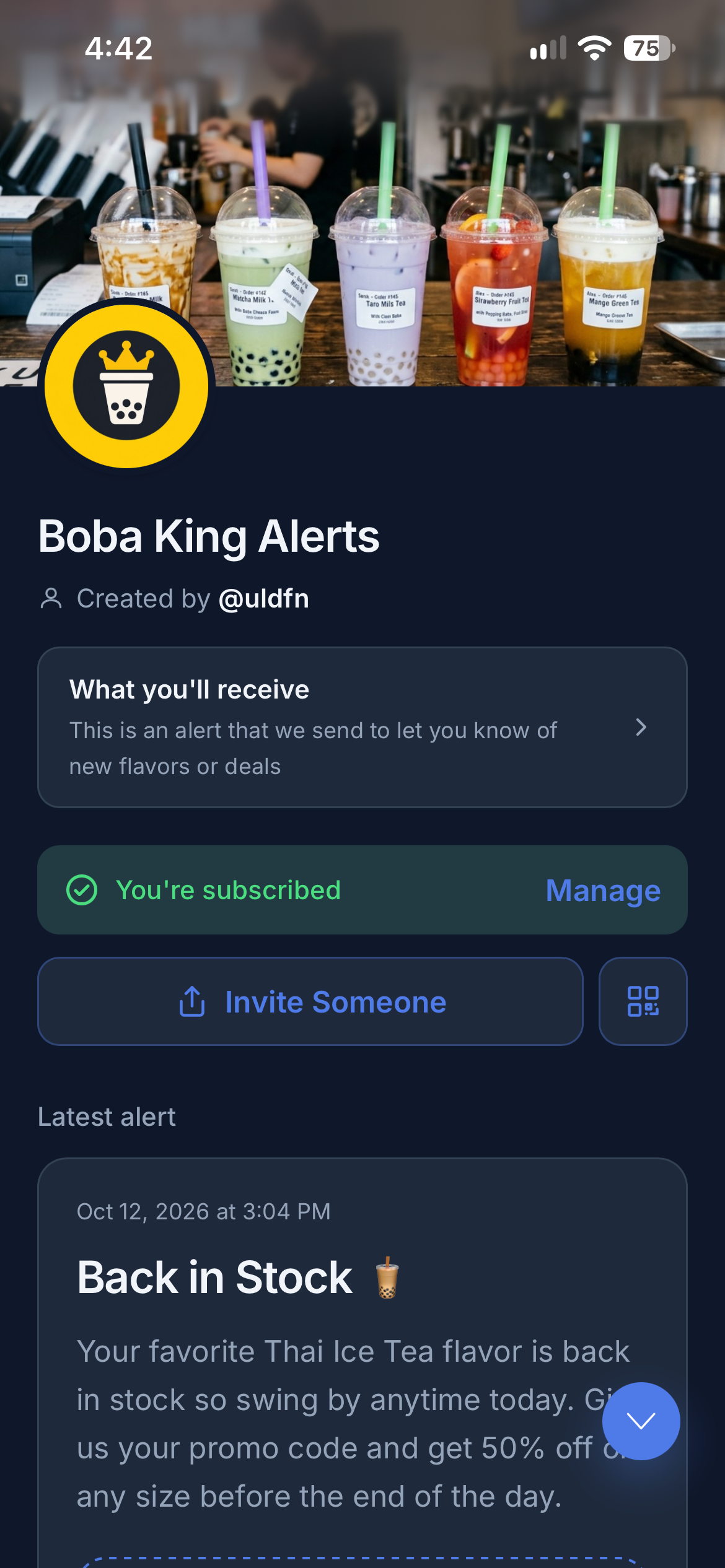
Apps put companies on your home screen. Pingtumi lets people, clubs, communities, and local favorites earn a place there too with a face, logo, or image people recognize.
Your channel can live alongside the apps people already use, with your name and profile image always one tap away. No crowded feed. No algorithm deciding who sees your update. Just a direct connection with the people who choose to keep you close.
One link. A direct connection.
Subscribers who choose to hear from you, open your Ping Link or Scan your QR Code. From then on, you can reach them when there is something worth knowing.
Give your channel a name, description, and look that feels like you.

Post it, text it, print its QR code, or put it anywhere your audience already is.

Share an update now, schedule it for later, or save a draft until the moment is right.

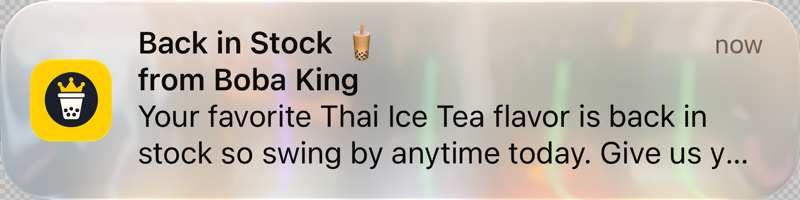
Your notification arrives on their phone or computer and opens your Ping Page.
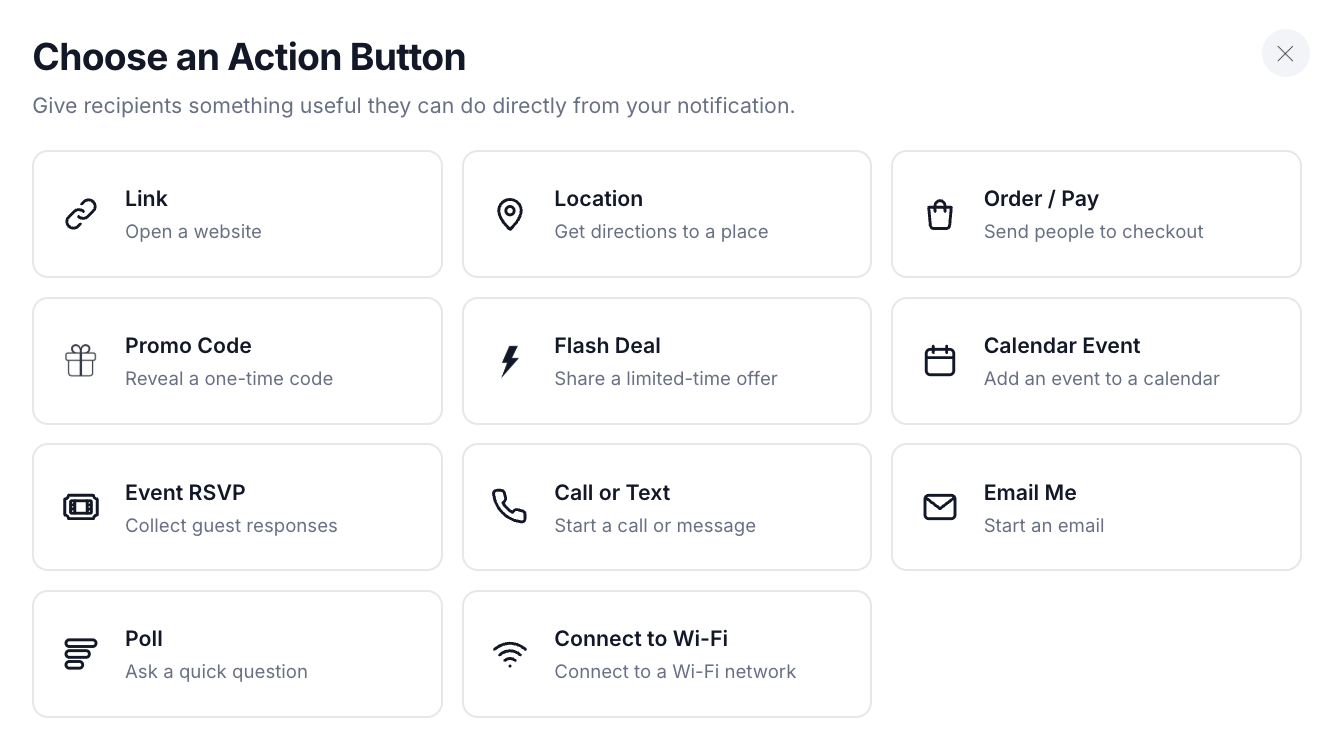
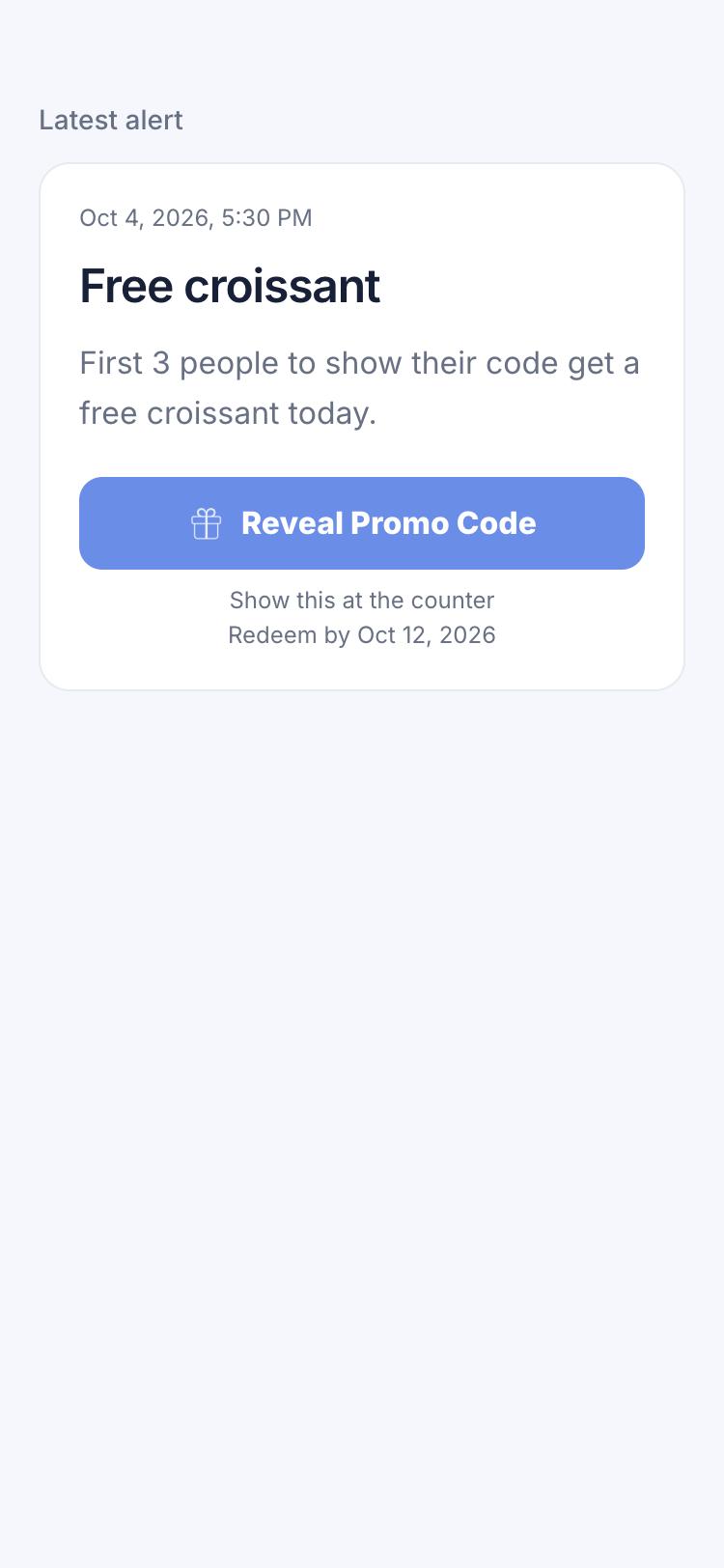
Notifications that do more
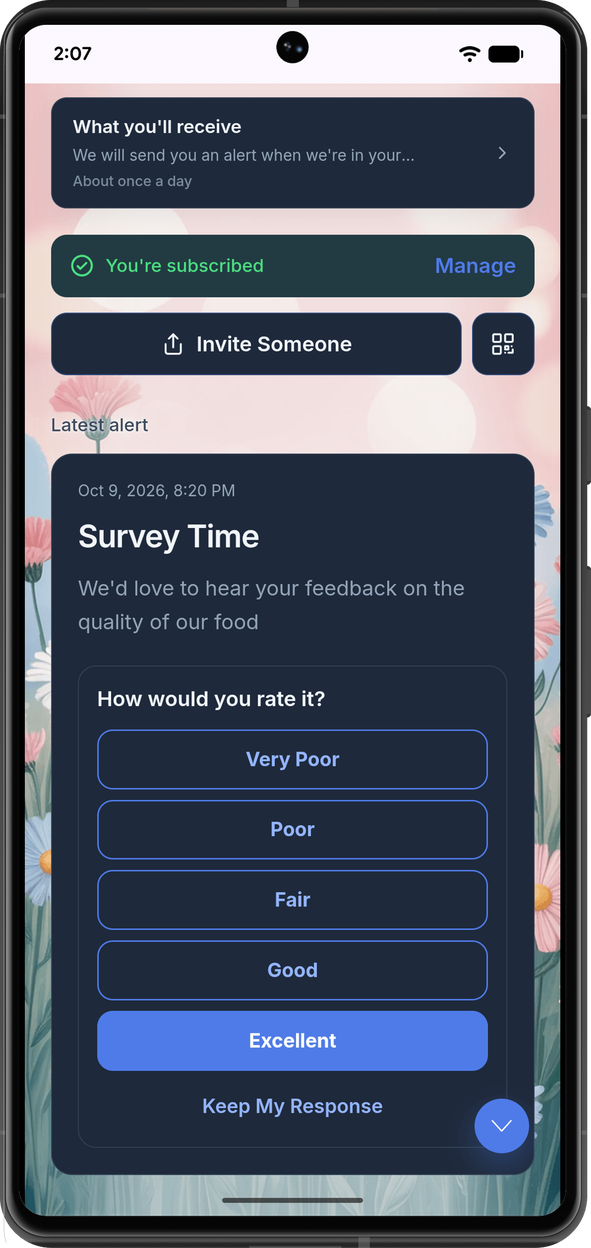
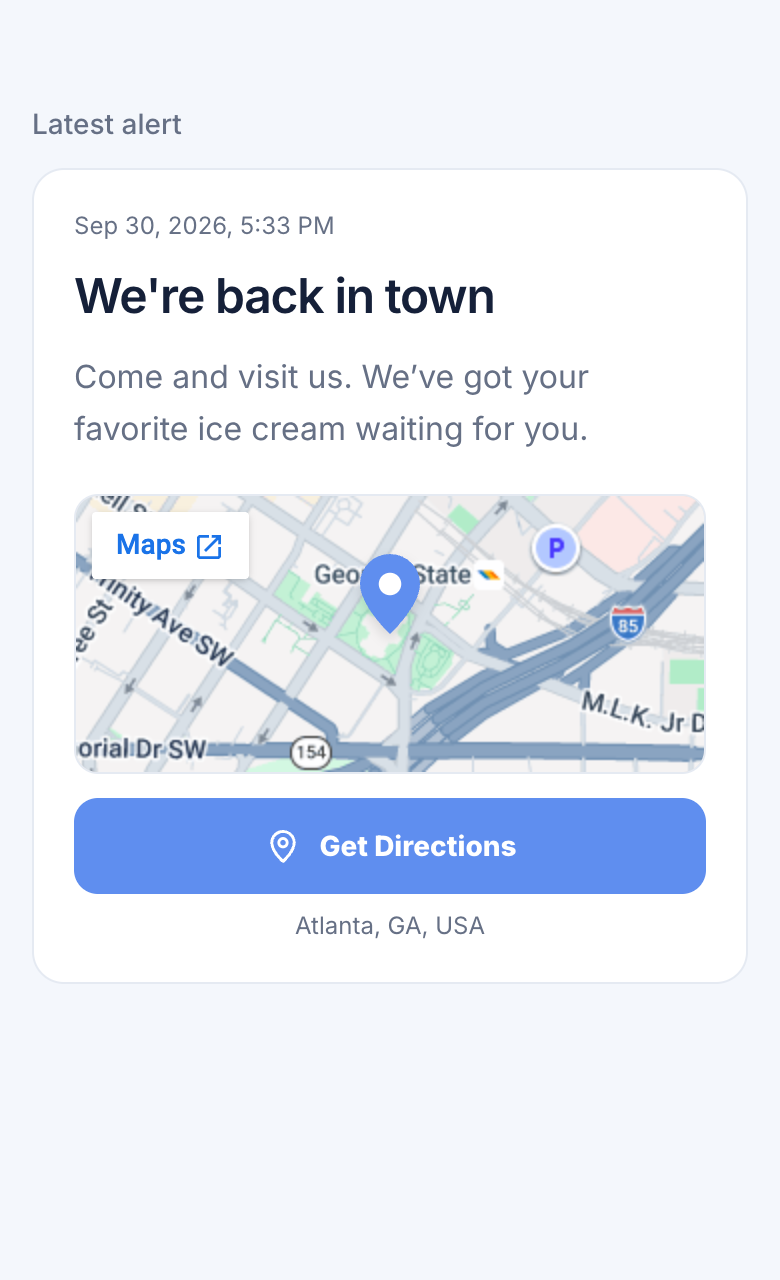
Add an Action Button to a notification so people can immediately take the next step without hunting for another link or instruction.
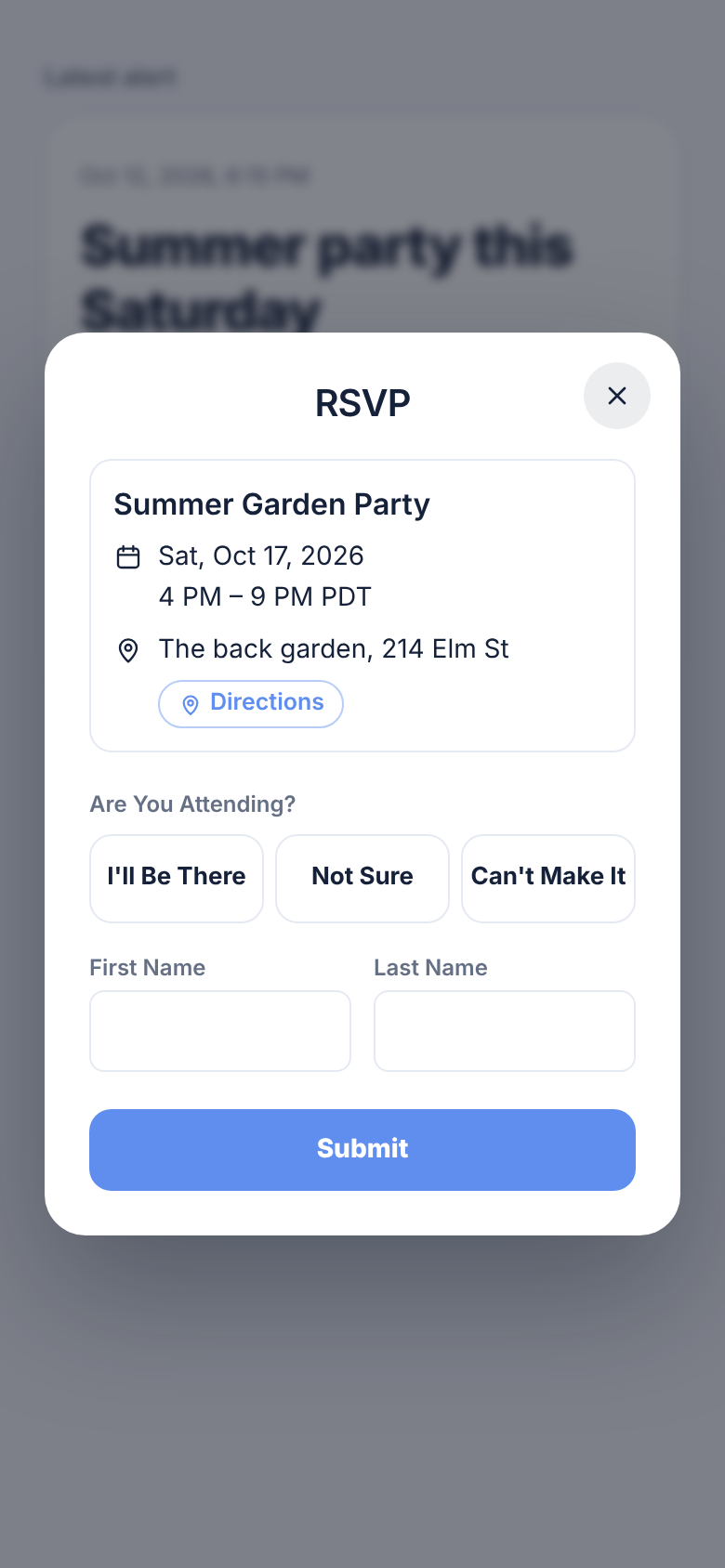
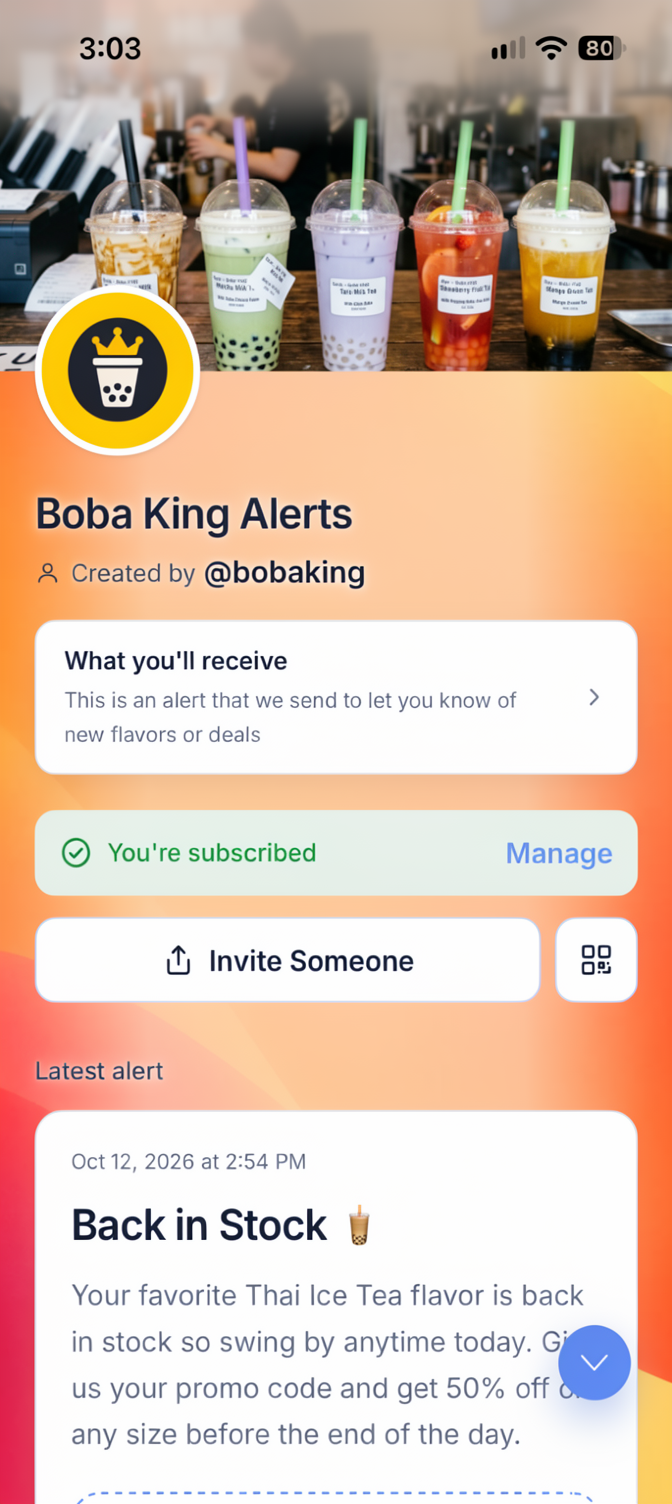
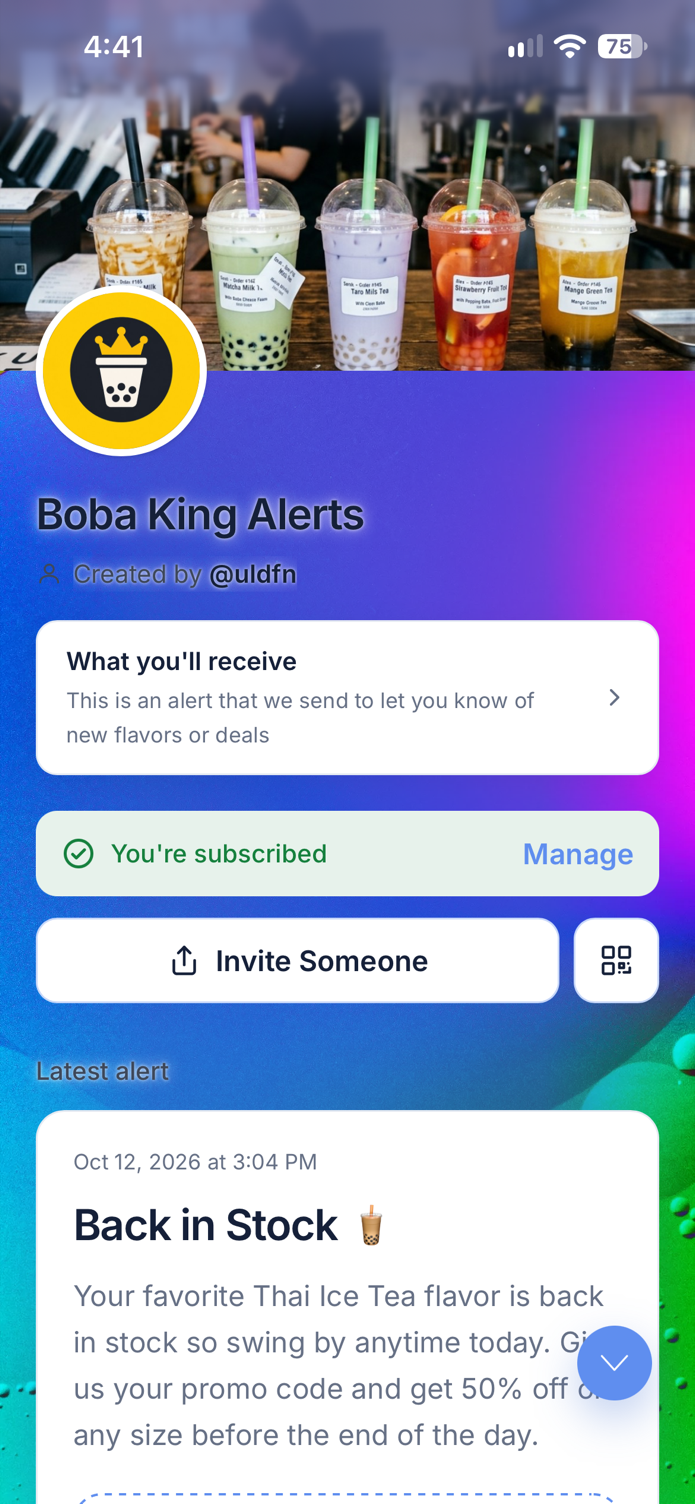
Make it yours
Choose a theme, add a cover and logo, or use a wallpaper to create a Ping Page that feels at home with your business, community, or personal brand.
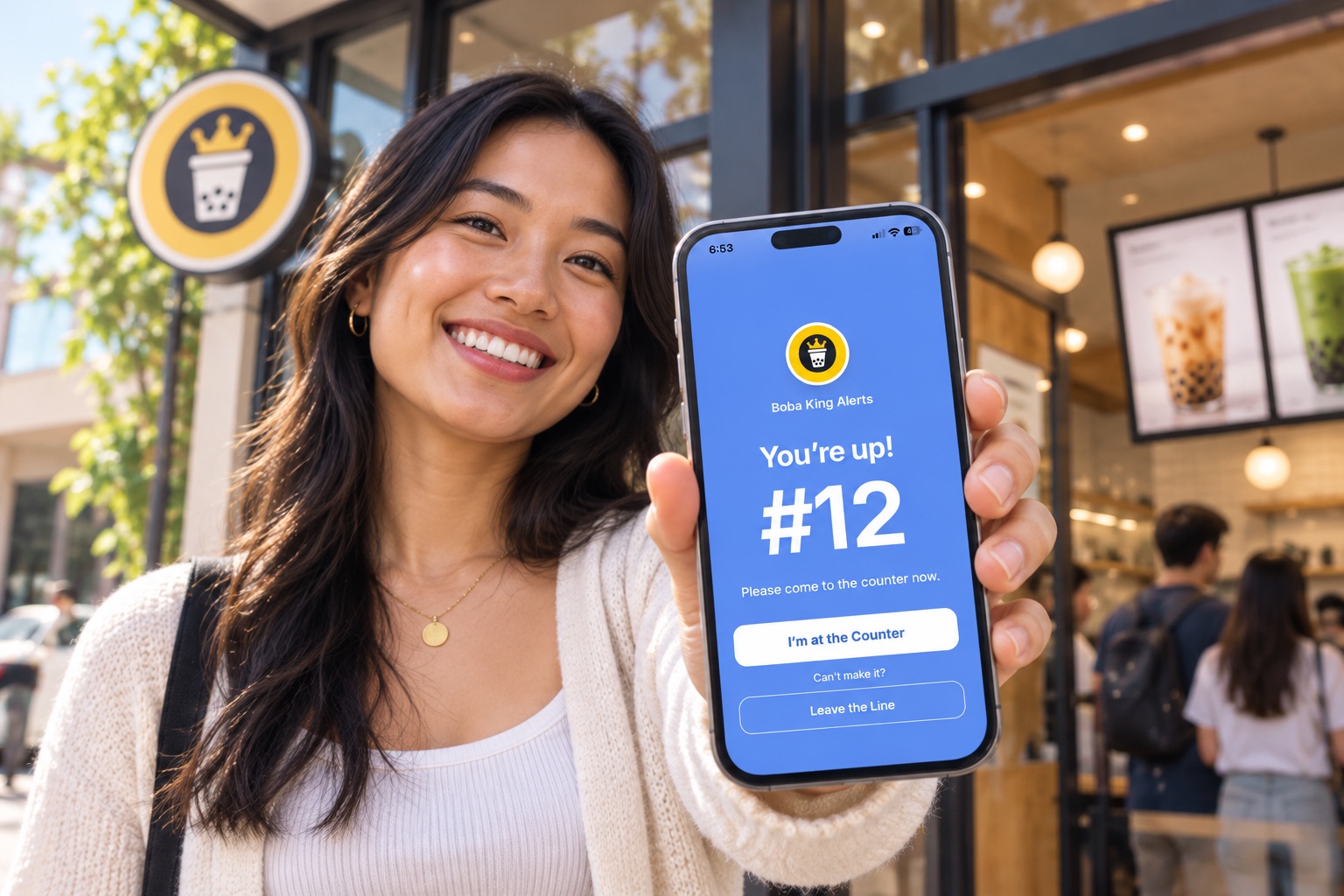
Next In Line
Guests join from the same Ping Page. You see who is next and notify them with one tap. Ideal for busy counters, pop-ups, tastings, clinics, and neighborhood favorites.
Simple behind the scenes
Create notifications, schedule updates, and see delivery, views, and responses from your Pingtumi Alerts dashboard.
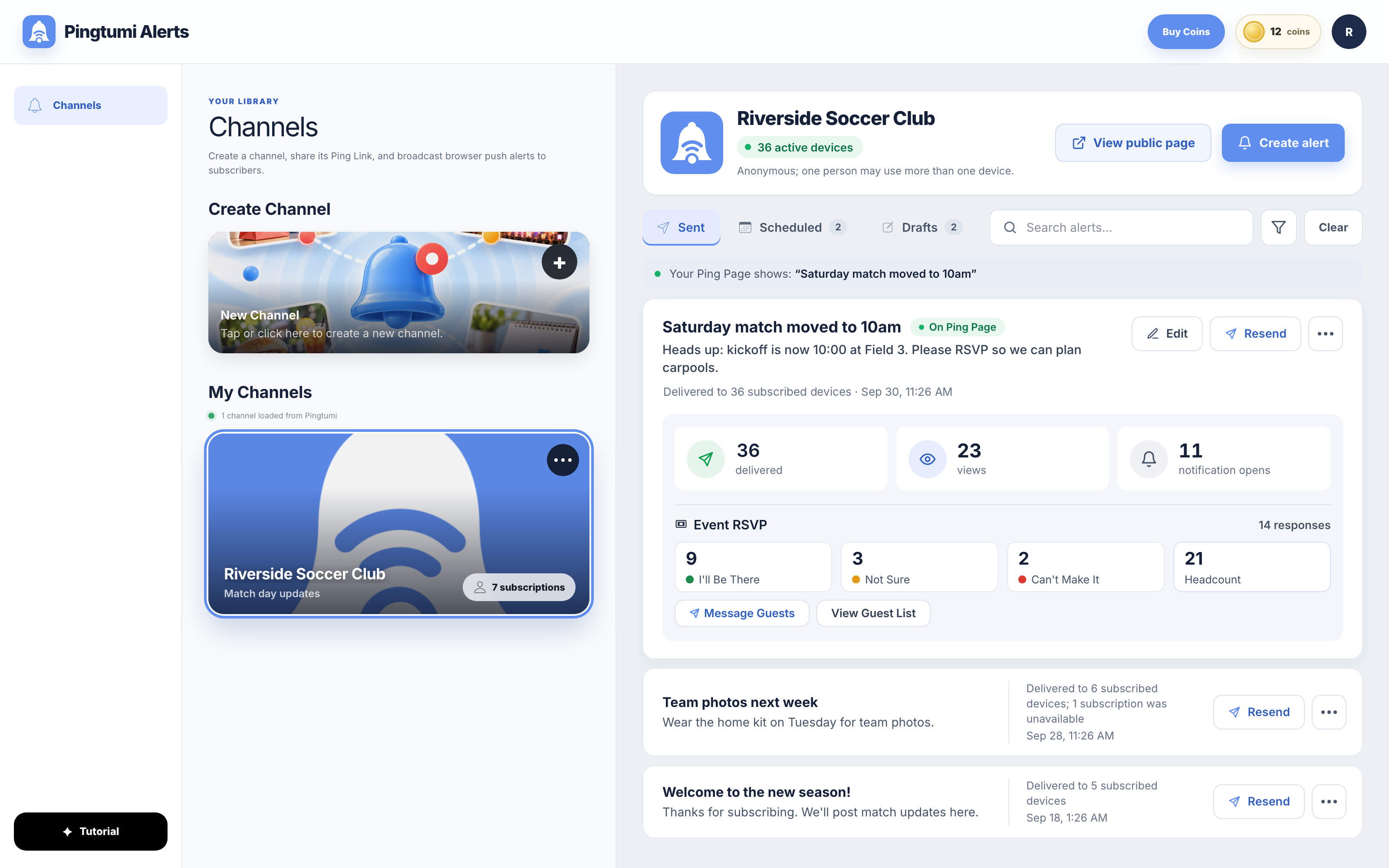
 Riverside Soccer ClubMatch day updates36 subscribers
Built for real moments
Pingtumi Alerts is for anyone who has something timely and useful to share with a group of people.
Good to know
The basics about creating a channel, subscribing, and receiving notifications with Pingtumi Alerts.
Pingtumi Alerts gives you a direct notification channel for the people who choose to hear from you. Sign up and log in, then create a channel and share its Ping Link or QR Code. When you’re ready, send timely updates to everyone who subscribed to your channel.
A channel is what you create, like “Boba King Alerts.” An alert is a message you send from it, and it shows up as a notification on each subscriber’s phone or computer. Your Ping Page is your channel’s public page, where people subscribe and see your latest alert. Your Ping Link is the web address of that page, and its QR Code opens the same page.
They tap your Ping Link or scan your QR Code, then follow the instructions on your Ping Page. Subscribing automatically turns on notifications.
No. Subscribers do not need to create an account to subscribe to your channel. Subscribing to Pingtumi channels is 100% anonymous. No phone number or email is required.
No. Subscribers do not need to download an app from an App Store to subscribe to your channel or receive your alerts and pings.
Android users receive instant push notifications through their browser after subscribing. iPhone and iPad users tap “Add to Home Screen” to install the Pingtumi web app, then follow three simple steps to enable notifications.
Yes. Subscribers can set quiet hours for notifications or unsubscribe from your channel with just the tap of a button. They can resubscribe at any time.
Pingtumi Alerts are free for subscribers, and the majority of functionality is free for the alert sender. Pingtumi charges a nominal fee for optional channel customization.
No. Unlike traditional SMS marketing platforms that charge per text or limit subscriber counts, Pingtumi Alert channels have no metered sending fees, allowing you to broadcast to thousands of followers without a cost for each message.
Action Buttons extend the functionality of your Ping Page. They enable subscribers to participate in polls, add events to their calendar, RSVP, join your Wi-Fi network, get directions, and much more.
You can use Pingtumi Alerts to manage a queue. Guests scan your QR Code when they arrive at your business and subscribe to your Ping Page. You see who is next in line and ping them in sequence when it’s their turn.
You can add an Action Button to your alert or ping that links directly to your website, where subscribers can complete the transaction. You can also link directly to a Stripe, Venmo, or other payment account.
From a sender’s perspective, Pingtumi Alerts have no metered usage fees, and you do not have to pay for short or long codes. From a recipient’s perspective, Pingtumi Alerts provide a much richer user experience than text messages.
RCS Business Messaging is an enterprise protocol designed for established corporations. It requires legal documentation, carrier approvals, developer APIs, and private customer phone numbers. Pingtumi Alerts is an accessible, free broadcast platform for businesses and individuals. Anyone can create a channel and start broadcasting rich alerts with no technical expertise, collection of private phone numbers, or carrier fees for each message.
Every Pingtumi alert page includes a Report Alert link in the footer. Tap it to flag spam, scams, or prohibited content for review. To prevent future alerts from the channel, tap the unsubscribe button on the Ping Page.
Your audience is already out there
Create your first channel, share one link, and send your first notification.
Pingtumi AlertsWelcome back
One Pingtumi account works for Alerts, Place Collections and the Pingtumi iPhone app.
New to Pingtumi? Create account with email
Your password is sent securely to Pingtumi and is never stored by this website.